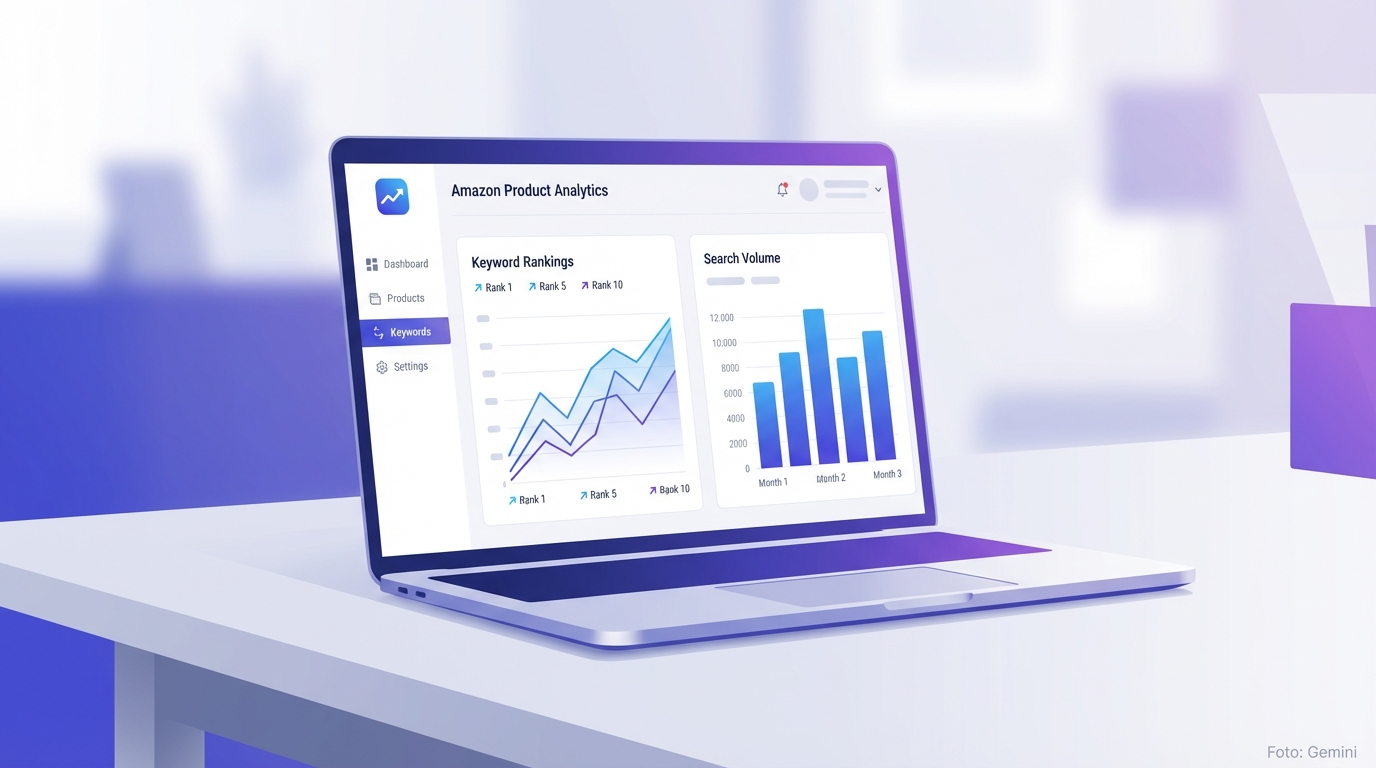
What an Amazon SEO Tool Actually Does
Amazon is not a conventional search engine – but millions of buyers search there every day for products. If you appear on page 1, you sell. If you end up on page 3, you practically don't exist for the vast majority of buyers. An Amazon SEO tool helps you deliberately influence that difference – instead of relying on guesswork.
Put simply: such a tool collects data you would never get to that depth manually. Search volume for individual keywords, ranking trends over weeks, seasonal patterns – all of it in one dashboard, rather than scattered across three browser tabs.
The decisive advantage isn't the data itself – it's the speed. What used to take hours of manual research, you now get done in minutes. You see immediately which keywords have high traffic and are simultaneously attainable – and which ones you're better off ignoring.
- Keyword research: search volume, trends, and relevance at a glance
- Listing analysis: exactly where is your listing losing points with the algorithm?
- Ranking tracking: monitor how your position develops after changes
- Market monitoring: spot shifts in your category early enough
- Backend optimisation: check whether your hidden search terms are correct and complete
How the Amazon Algorithm Evaluates Rankings
The Amazon algorithm does not evaluate listings by popularity, but by purchase probability. The more likely a click is to result in a purchase, the higher the ranking. That sounds simple, but it has far-reaching consequences for your SEO strategy.
Three factors dominate the outcome: relevance (does your listing contain the right terms in the right places?), performance (are customers actually clicking and buying?), and availability (are you consistently in stock?). Those who only tinker with keywords but have poor conversion rates or frequent out-of-stock periods will not rank sustainably.
An Amazon SEO tool addresses exactly this. It doesn't just show you whether a keyword appears in your title – it also shows how your click-through rate compares to the category and whether your price positioning is structurally harming your ranking. Without this data foundation, you're working in the dark.

Keyword Research: The Foundation of Your Ranking
Without the right keywords, no listing will rank – regardless of how professional the product photos are. Keyword research is the first step of any listing optimisation and also the step that many sellers underestimate. Adopting a handful of obvious main terms is not enough.
An Amazon SEO tool gives you three dimensions per keyword: search volume (how often do buyers search for this term per month?), competition density (how many well-reviewed listings are competing for it?), and purchase intent (do these searches convert into actual purchases?). Only when all three values align is the effort for that term worthwhile.
Particularly valuable is the reverse ASIN analysis. You enter the ASIN of a top-selling product and see which keywords it ranks for. This shows you which terms actually work in your niche – no guessing, no theory, just data from real market activity.
- Long-tail keywords: less competition, but often higher purchase intent
- Identify seasonal terms early and incorporate them into listings in good time
- Reverse ASIN analysis: learn from well-ranking products in your category
- Don't overlook synonyms and regional spellings (e.g. 'Trinkflasche' vs. 'Wasserflasche' on the German marketplace)
- Use backend search terms for keywords that don't fit naturally into the visible text
Listing Optimisation: Using Every Text Area Strategically
An Amazon listing consists of several text areas, which the algorithm weights differently. The title is the most important field. It determines indexation and click-through rate simultaneously – so it must contain keywords but also be readable for humans. Stringing keywords together without sentence structure harms conversion.
Bullet points are your second SEO lever. Buyers rarely read them in full, but they do scan them. Place the most important keywords in the first 15 words of each bullet. The description text is weighted less heavily by the algorithm, but it influences the purchase decision – explain clearly here why your product is the right choice.
A+ Content replaces the standard description text for Brand Registry holders. It has no direct SEO benefit for keywords, but demonstrably increases the conversion rate by 5 to 10 per cent. A higher conversion rate means a better ranking. The connection is indirect, but real and measurable.
- Title: main keyword in the first 80 characters, maximum 200 characters in total
- Bullet points: 5 points, each beginning with a relevant keyword
- Description text: strengthen the purchase decision, address common objections
- A+ Content: convince visually, build trust, increase conversion
- Backend search terms: use all remaining relevant keywords without repetition

Ranking Tracking: Measuring What Your Optimisation Actually Achieves
Optimising without direction is wasted money. Without tracking, you don't know whether a change to the title has improved or worsened your ranking. An Amazon SEO tool provides you with historical ranking data for every keyword – daily, not just once a week.
Important: ranking movements take time. After a listing change, it typically takes 3 to 14 days for Amazon to re-evaluate the listing. Those who see no improvement after 48 hours and immediately change again create data noise instead of actionable insights.
Set up alerts as soon as one of your top keywords loses position significantly. Often the reason is not your listing, but a competitor ramping up Sponsored Ads or running a promotional offer. You can only spot the difference with continuous tracking data.
Common Amazon SEO Mistakes – and How to Avoid Them
The most common mistake: researching keywords once and never revisiting them. The Amazon marketplace changes. New products arrive, search behaviour shifts seasonally, and what was a strong keyword six months ago may now be dominated by stiff competition.
The second classic mistake: keyword stuffing in the title. Titles like 'kitchen knife sharp chef knife kitchen knife set professional' may contain many terms, but they convert poorly – because buyers don't understand them and therefore don't click. An incomprehensible title does more harm to your ranking than good.
The third mistake: ignoring price in your SEO analysis. Amazon shows the product with the higher purchase probability higher up when relevance is equal. If your price is significantly above the category average, you're fighting with a structural disadvantage – regardless of the keyword density in your listing.
- Don't just research keywords once – review them quarterly
- Write readable, high-click titles – don't aim for maximum keyword density
- Regularly compare your price against the category benchmark
- Actively monitor your review score and review quality
- Consistently avoid going out of stock: stockouts destroy hard-won rankings within days

What a Good Amazon SEO Tool Must Deliver
Not every tool is equal. What matters is whether it delivers actionable data – not just attractive graphs. Before choosing a platform, check these five core functions: How current is the data? Real-time ranking data is more valuable than weekly snapshots. Does the tool cover multiple marketplaces? If you sell across DE, AT, and CH, you need marketplace-specific keyword figures.
Is there a listing scoring function? You should be able to see immediately where your listing is losing points – without having to do your own analysis first. Can the tool compare across ASINs? Competitor analysis is not a nice-to-have; it's a fundamental building block of any serious SEO work. And finally: how good is the data export? Data you can't process further is of no use to you.
- Current search volume data – no outdated monthly averages
- Reverse ASIN analysis for competitor keywords
- Listing score with concrete, prioritised improvement suggestions
- Ranking tracking over time with configurable alerts
- Multi-marketplace support (Amazon.de, .at, .com and others)
- Backend keyword checker for search terms
- Data export for your own analyses and reporting
Frequently Asked Questions
How much does an Amazon SEO tool cost?
It depends heavily on the range of features. Basic keyword tools start from around €20 to €30 per month. Full platforms with tracking, listing analysis, and market monitoring typically cost between €50 and €150 per month. What counts is the ROI: a tool that helps you move a product from page 3 to page 1 usually pays for itself very quickly.
How long does it take for optimisations to show visible results?
Typically 3 to 14 days for Amazon to re-evaluate listing changes. Ranking gains appear sooner in less competitive categories than in fiercely contested niches. Allow at least 4 weeks before judging an optimisation measure as a success or failure.
Can I do Amazon SEO without a tool?
In principle, yes – but inefficiently. Without a tool, you cannot access search volume, trends, and ranking trends at the depth needed for well-founded decisions. With one or two products, a manual approach is still conceivable. With five or more products, things quickly become unclear and error-prone without a tool.
Which metrics are most important for Amazon SEO?
Search volume and competition density for keyword selection, conversion rate and click-through rate for listing performance, and the ranking trend for your target keywords. These three levels together show you whether your strategy is working or where you need to make adjustments.
How often should I revise my listing?
Not constantly – too many changes provide no evaluable data. A structured review every 6 to 8 weeks makes sense, or at specific triggers: a new season, a significant ranking drop, a new product entering your niche. Minor corrections can be made on an ongoing basis; fundamental restructuring should be done less frequently.
Does an Amazon SEO tool work for new listings without a sales history?
Yes, and it is particularly valuable here. Without sales data, you have no organic signals to learn from. An SEO tool helps you deliberately select low-competition keywords for your launch, achieve initial ranking successes, and then scale step by step towards larger, higher-traffic keywords.
Start free with Sellercore
Try Sellercore for free – keyword research, listing analysis, and ranking tracking in one platform for DACH Amazon sellers.
Sign up now