Amazon Seller Central vs. Vendor Central: Which Model Fits You?
3P or 1P: how Seller Central and Vendor Central differ on price, margin, control and cash flow, and when each route makes sense.

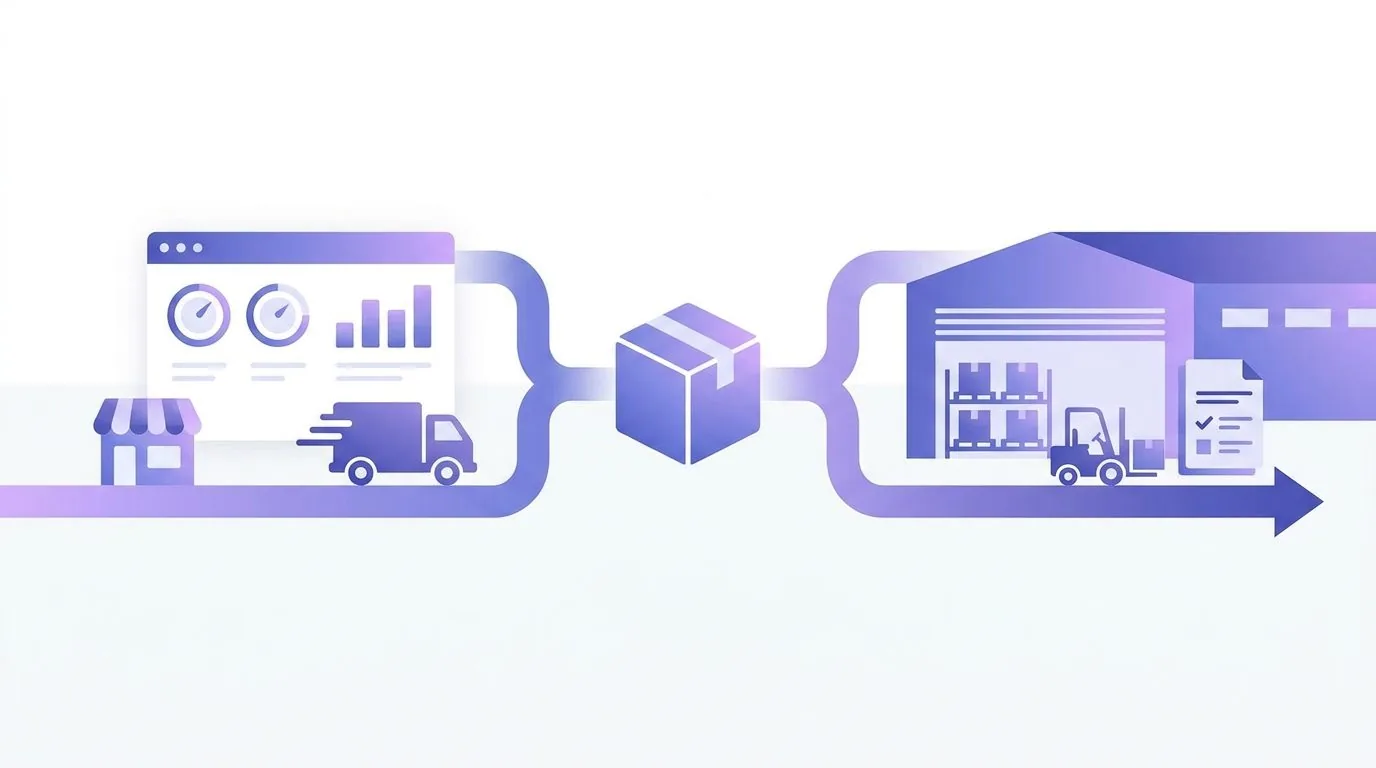
- In Seller Central you sell to customers yourself and set the price. In Vendor Central you sell to Amazon, and Amazon sets the retail price.
- Vendor Central is invitation-only. It brings volume and retail reach, but costs you price control, margin and cash because of long payment terms.
- For most brands Seller Central is the more flexible route. If you get invited, run the numbers soberly and keep a hybrid setup or a later switch in mind.
Seller Central vs. Vendor Central: the difference in one sentence
In Seller Central you are a merchant on Amazon, in Vendor Central you are a supplier to Amazon. It sounds like a small difference, but it changes almost everything: who sets the price, who carries the inventory risk, when you get paid and how much control you keep over your listing.
In Amazon terms the seller route is called 3P (third party) and the vendor route 1P (first party). With 1P the product page says “Ships from and sold by Amazon”. With 3P your business name appears as the seller, even when Amazon ships for you through FBA.
Both portals look similar and work with the same product catalogue. The logic behind them is completely different, though. That is why the decision should be based on your numbers, not on gut feeling.
Seller Central: how the 3P route works
Seller Central is open to any business that passes Amazon's verification. How registration works step by step is covered in our guide to setting up Seller Central.
You sell directly to end customers. You set the price, decide on range, promotions and stock levels, and you choose how orders are shipped: either Amazon stores and ships for you (FBA), or you ship yourself (FBM). How the two compare in practice is explained in our FBA vs. FBM comparison.
The costs are transparent but numerous. On its European pricing pages Amazon lists €39 per month for the Professional plan or €0.99 per item sold for the Individual plan, each excluding VAT and additional selling fees. On top come referral fees per category and, with FBA, fulfilment and storage fees. We break this down in our guide to FBA fees.
The big advantage is cash flow. Amazon pays out your sales minus fees on a fixed cycle, typically every two weeks. You do not have to wait months for your money.
Amazon changes fees and plans regularly. The figures here reflect October 2026. What Seller Central shows you for your marketplace is always what applies.
Vendor Central: how the 1P route works
Vendor Central (in Germany at vendorcentral.amazon.de) is not open to everyone. Amazon invites manufacturers and distributors, usually brands with a certain volume or products Amazon wants in its own range.
The principle is classic wholesale. Amazon sends you purchase orders, you deliver the goods to Amazon's warehouses, and Amazon pays you the agreed cost price. From that point the stock belongs to Amazon. Amazon sells it to customers and sets the retail price itself.
You are paid according to contractually agreed payment terms. In practice 30, 60 or 90 days are often mentioned. On top come terms you negotiate with Amazon, such as marketing contributions, logistics and damage allowances, and chargebacks when a shipment does not meet the requirements. The exact conditions are set out in your vendor agreement and vary from supplier to supplier.
- 1Ordering
Amazon decides via purchase orders how much you deliver. You cannot decide on your own how much stock sits in the warehouse.
- 2Price
Amazon sets the retail price. If Amazon lowers it to match other offers, you have no direct say.
- 3Payment
Payment terms as agreed, often weeks to months after delivery. That ties up capital.
- 4Terms
Marketing, logistics and damage allowances as well as chargebacks reduce the cost price you actually end up with.
Comparison: price, margin, control and cash flow
Side by side it becomes clear why neither option is better across the board. It depends on what matters more to you: control and margin, or volume and less day-to-day operational work.
- 1Access
Seller Central: open to all businesses. Vendor Central: invitation only.
- 2Who sells
Seller Central: you to end customers. Vendor Central: you to Amazon, Amazon to end customers.
- 3Price
Seller Central: you set it. Vendor Central: Amazon sets it.
- 4Margin
Seller Central: selling price minus fees and costs. Vendor Central: Amazon's cost price minus agreed terms.
- 5Cash flow
Seller Central: regular payouts, usually every two weeks. Vendor Central: payment terms as agreed.
- 6Inventory risk
Seller Central: yours, even in the FBA warehouse. Vendor Central: passes to Amazon on delivery.
- 7Data
Seller Central: orders, customer metrics and fees per sale. Vendor Central: retail analytics from the supplier's view, without insight into Amazon's own margin.
- 8Workload
Seller Central: pricing, stock and customer service are on you or FBA. Vendor Central: focus on delivery, terms and negotiating with Amazon.
Which model fits you?
For the vast majority of small and mid-sized brands Seller Central is the right place to start. You can begin straight away, keep control over pricing and see what is left from every sale. Price control is especially valuable on products with several offers, because a repricer lets you react to competitors within your own limits instead of leaving the decision to Amazon.
Vendor Central can pay off if you produce large volumes predictably, are at home in classic wholesale anyway and can plan well with fixed cost prices. Many brands also like their products appearing as “sold by Amazon”. Whether that shows up in your numbers is another question.
So run both scenarios with real figures. For Seller Central, count your selling price minus referral fee, FBA costs, advertising, returns and cost of goods. For Vendor Central, count Amazon's cost price minus all agreed terms, plus the cost of the capital tied up during the payment period. A vendor offer often looks attractive at first glance and shrinks noticeably once the terms are applied.
In the vendor model Amazon frequently matches lower prices from other offers. If that squeezes Amazon's own margin, it can come back to your cost price in the next negotiation. Factor in that pressure before you sign.
Hybrid model: seller and vendor at the same time
You do not necessarily have to pick one side. Some brands sell part of their range through Vendor Central and the rest through Seller Central. A typical split is to supply fast-moving, high-volume products to Amazon and sell niche items, new launches or low-margin products yourself.
A hybrid setup needs clear rules. If you and Amazon offer the same ASIN, you compete with your own biggest customer for the buy button. Decide per product which channel it runs through and stick to it. Otherwise you create exactly the price pressure you wanted to avoid.
Switching from Vendor Central to Seller Central
Vendor relationships are not set in stone. In late 2024 many suppliers, mostly smaller US vendors, reported that Amazon had ended their 1P relationship. According to those reports Amazon referred to a regular review of its range and invited the brands to keep selling as third-party sellers. Back in 2019 Amazon had already cut purchase orders to many smaller vendors.
Whether and when something similar happens in Europe, nobody can say for sure. As a vendor you should have a plan B, though. Switching to Seller Central means more than a new account: you need your own prices, a fulfilment strategy, ad campaigns and a clear view of your costs per sale.
- 1Secure your data
Export sales figures, catalogue data, price history and advertising reports while you still have access to Vendor Central.
- 2Open a seller account
Register your Seller Central account early, verification can take time.
- 3Check brand protection
Make sure your brand is linked to the seller account in Brand Registry so you keep control over your listing content.
- 4Calculate costs
Work out referral fees, FBA fees, advertising and returns per product. Only then do you know which prices are viable.
Advertising and brand protection in both worlds
You can advertise in both models. Sponsored Products is open to sellers and vendors. For formats such as Sponsored Brands Amazon generally requires a registered brand. How to run campaigns profitably is covered in our guide to optimising PPC campaigns.
Brand Registry is the most important lever for control over your product pages in both worlds. Especially in the vendor model, where Amazon controls the price, titles, images and A+ Content are where you still shape your brand yourself.
Conclusion: control or volume
Seller Central gives you control over price, stock and margin, but requires you to run your business actively. Vendor Central takes some of the work off your hands and can bring volume, but costs you pricing power, liquidity and room to negotiate. For most growing brands Seller Central is the more flexible route. An invitation to Vendor Central is not a must but an offer you should calculate soberly.
If you run both worlds in parallel, keeping track quickly becomes the real work. Sellercore brings seller and vendor accounts together in one interface. The Vendor Central connection is included in the Enterprise plan.
Frequently asked questions
Can I sign up for Vendor Central myself?
No. Vendor Central works by invitation from Amazon only. Seller Central, on the other hand, is open to any business that passes verification.
What do 1P and 3P mean on Amazon?
1P (first party) means Amazon buys your goods and sells them itself, that is Vendor Central. 3P (third party) means you sell directly to customers as a third-party seller, that is Seller Central.
Who sets the retail price in the vendor model?
Amazon. You only negotiate your cost price. Amazon sets the retail price itself and often adjusts it to other offers.
When do vendors get paid?
According to the payment terms in your vendor agreement. 30, 60 or 90 days are often mentioned. In Seller Central Amazon pays out at short, fixed intervals.
Can I use Seller Central and Vendor Central at the same time?
Yes, a hybrid model is possible. Decide per product which channel it is sold through so you do not compete with Amazon for the same buy button.
Did this article help? Mark Sellercore as a preferred source on Google to see our articles more often in search results.
Add Sellercore as a preferred source on Google


Try Sellercore free for 14 days.
No credit card, connected to Amazon in a few minutes.